The goal
To show doctors with their own practice what a personal, fast website with online booking looks like.
What we built
- Online booking in three steps
- Choice of day, service and time
- A page for each service
- Doctor profile
- Articles with categories
- Hours, map and directions
- Call / Directions / Book bar on mobile
In detail
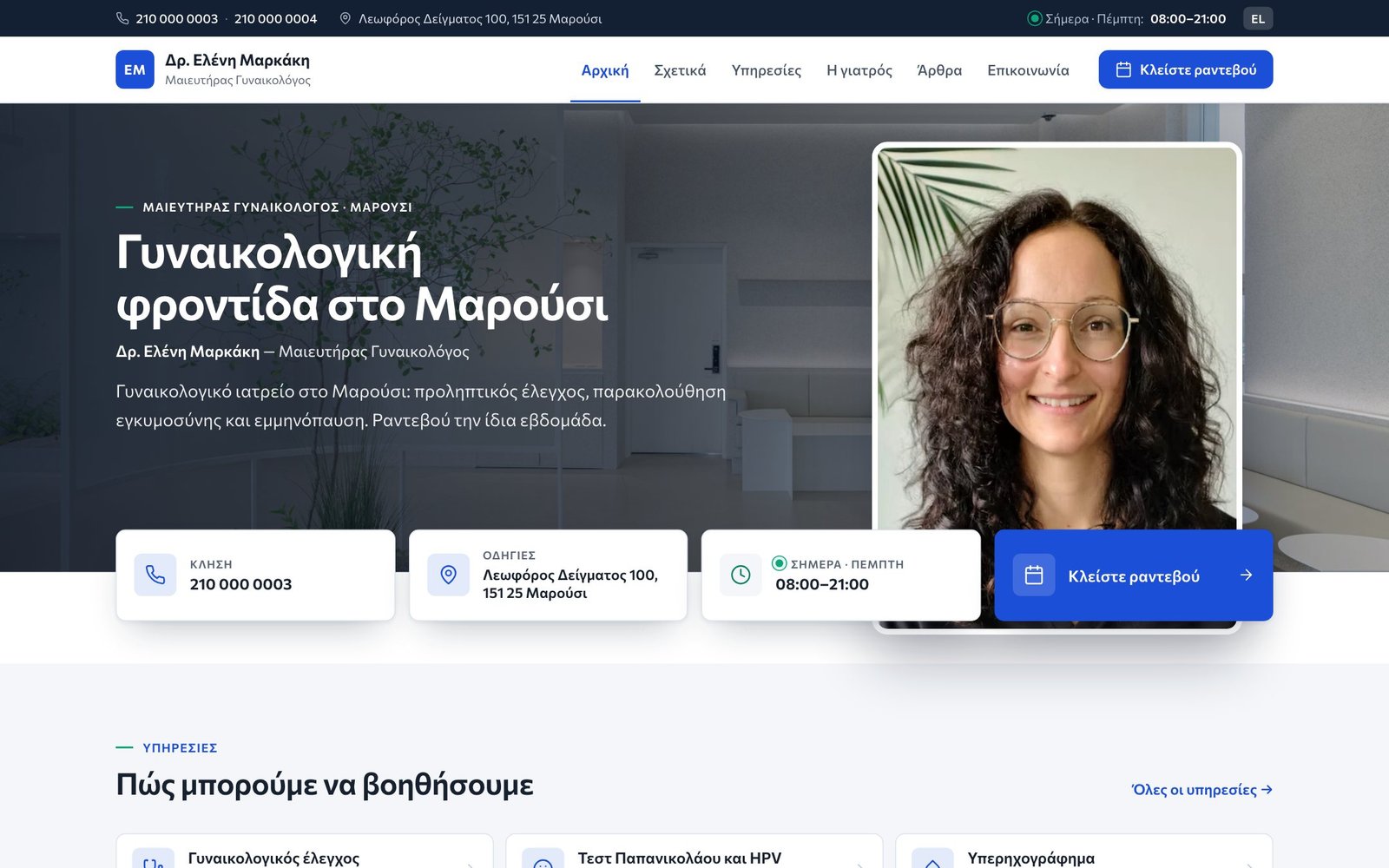
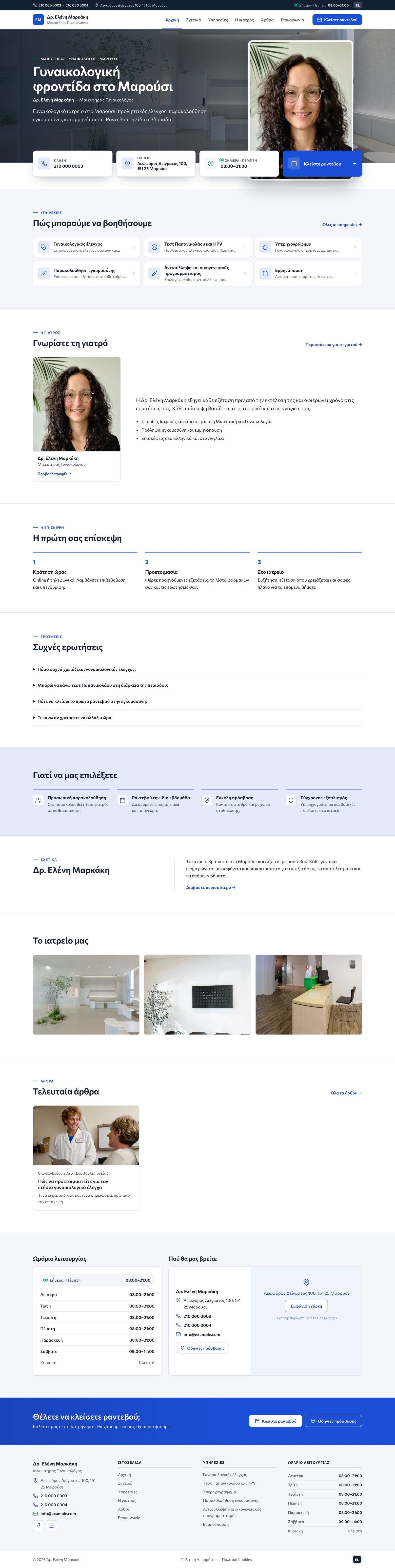
A sample website for a gynaecologist with her own practice. Patients find the services, get to know the doctor, read articles and book online, from a computer or a phone. The details are illustrative.
Online booking
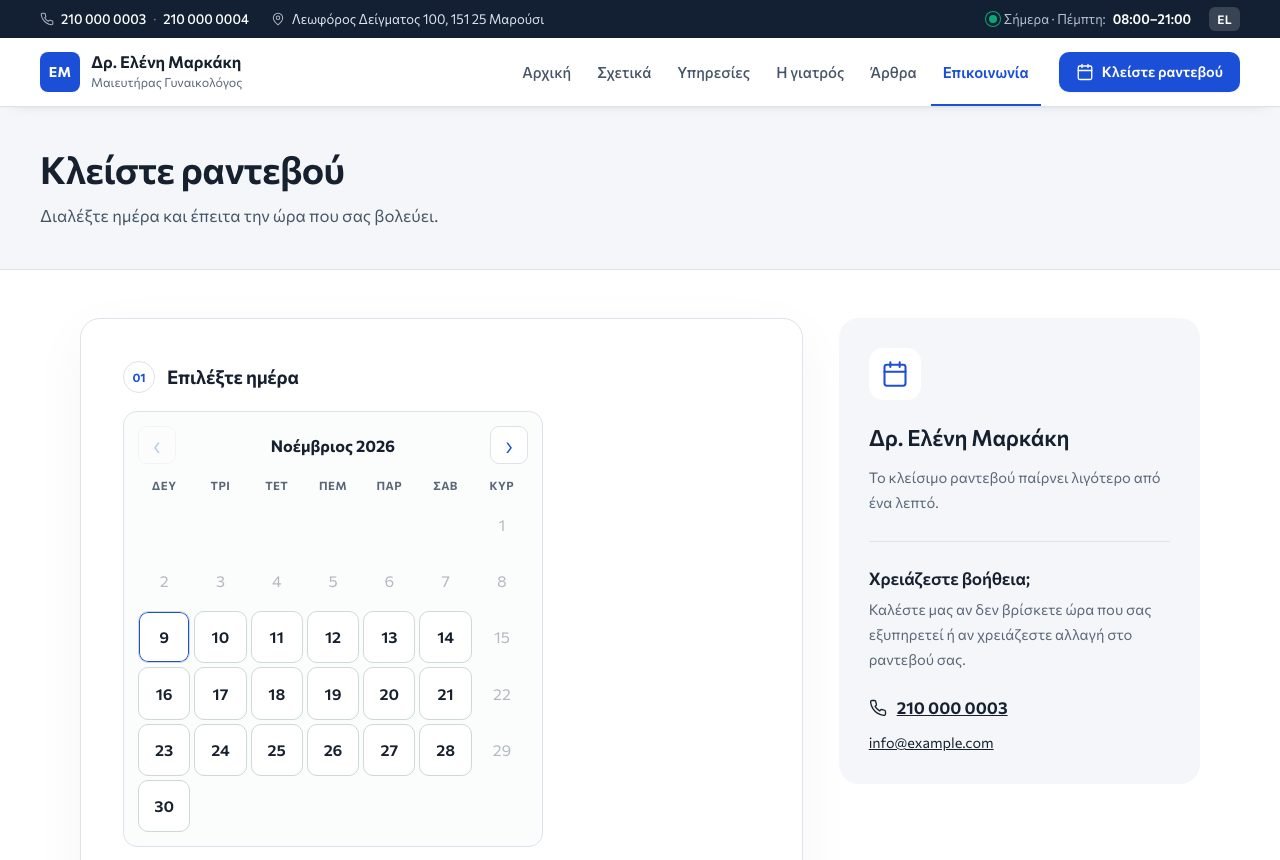
Booking takes three steps, with no account needed. Try it in the demo: it works normally, but no details are sent.
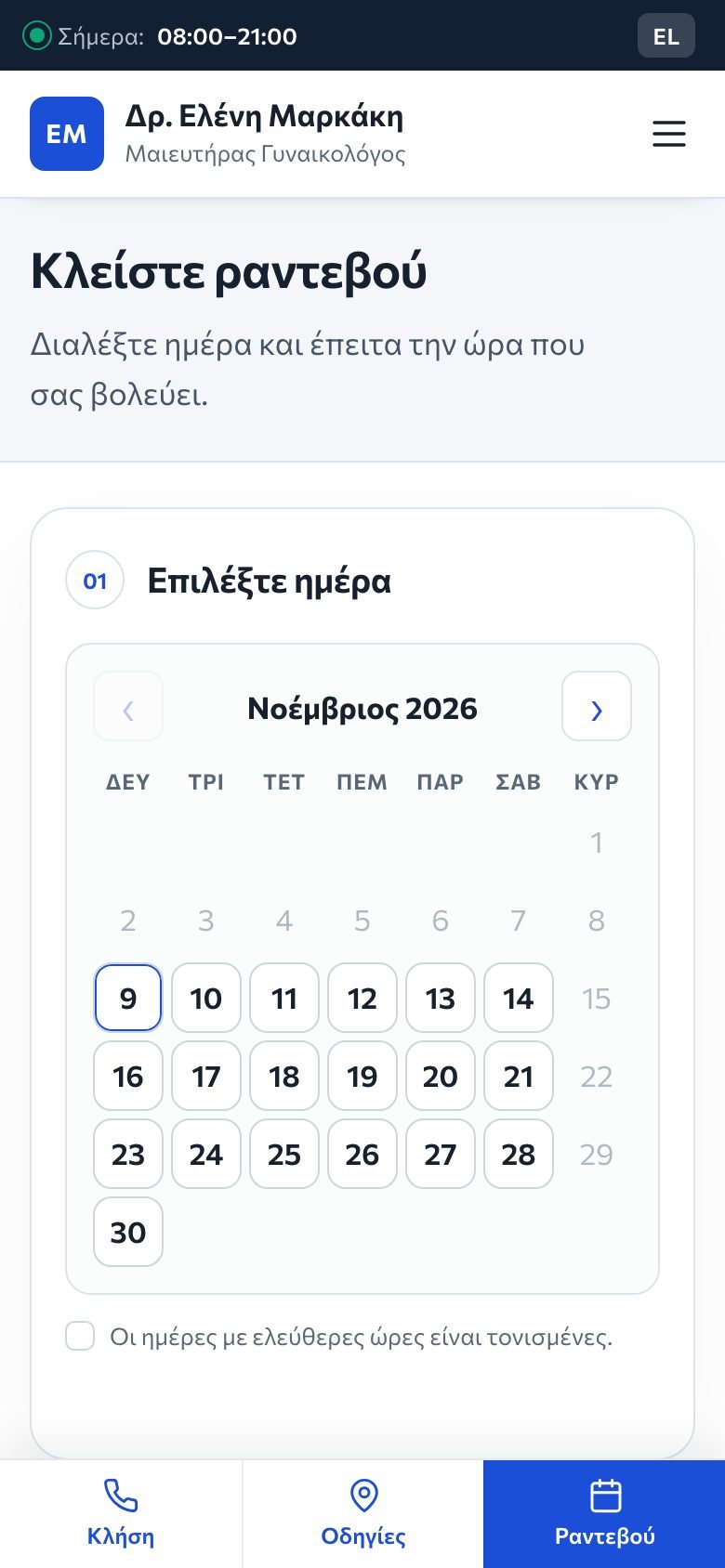
1. Choosing a day
The calendar highlights only the days with free times. Closed days and days with no availability cannot be selected.
2. Service and time
The patient picks a service and sees only the times that are really free. Booked times do not appear, so double bookings do not arise.
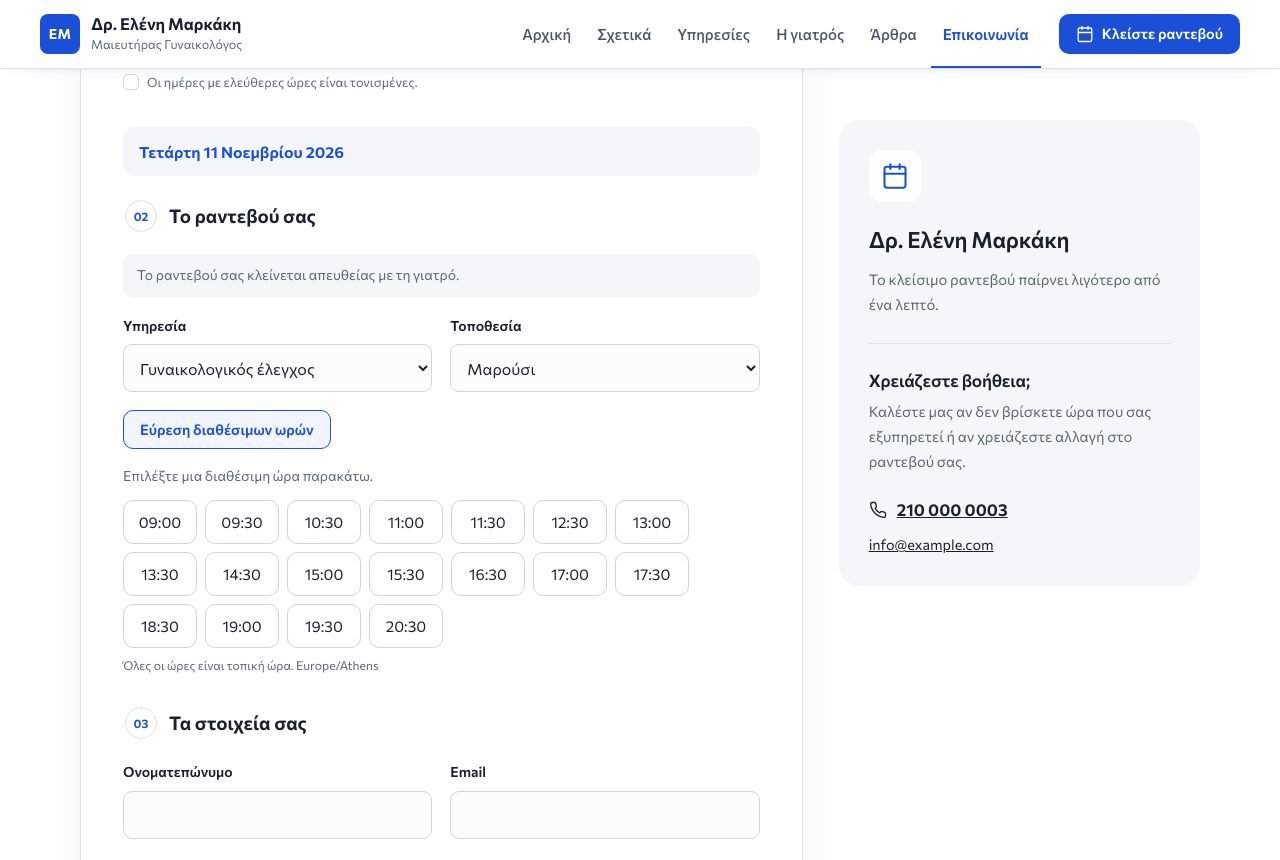
3. Details and confirmation
Full name, email, phone and an optional note. The form asks for consent to use the details, with a link to the privacy policy, and reminds patients not to write sensitive medical information.
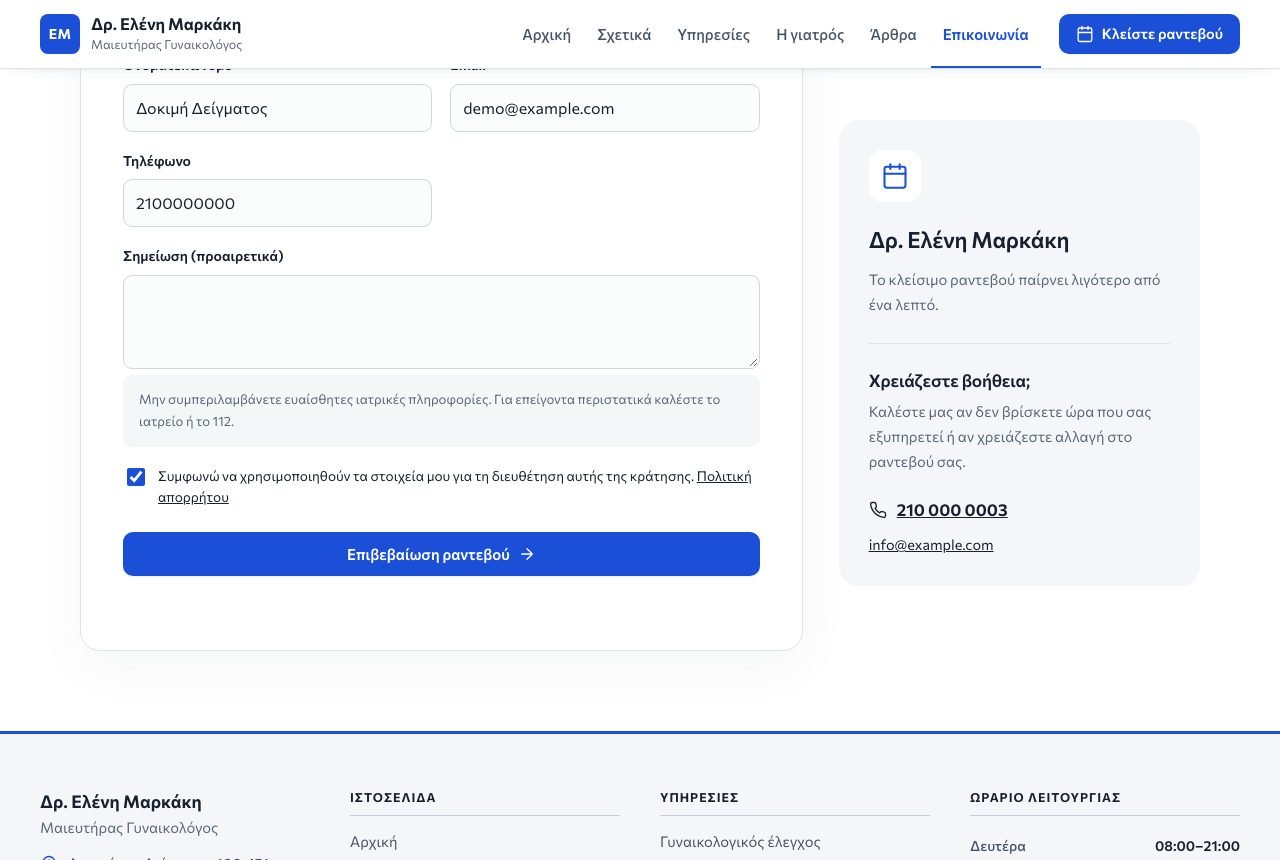
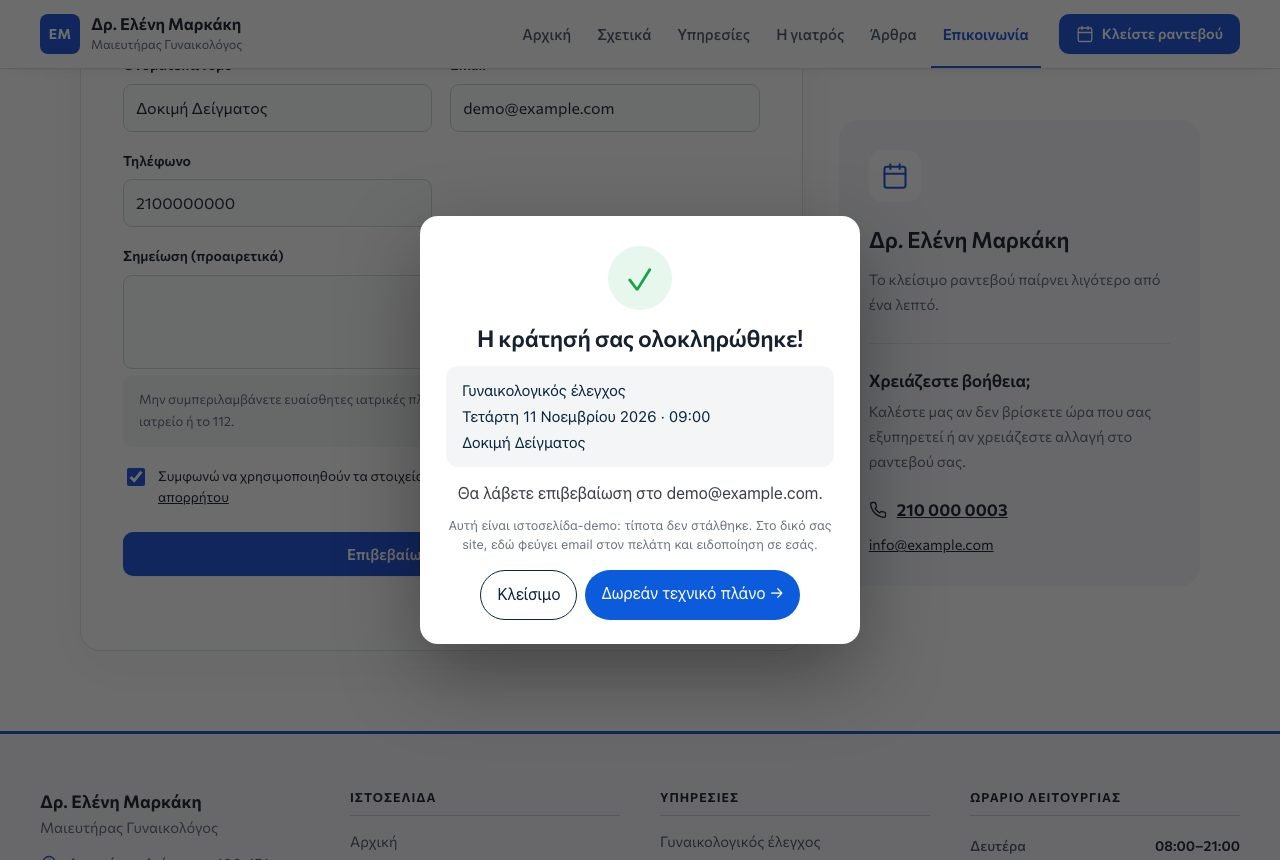
A summary of the appointment appears at the end. On the real website, the patient receives a confirmation email and the practice a notification of the new appointment.
Services
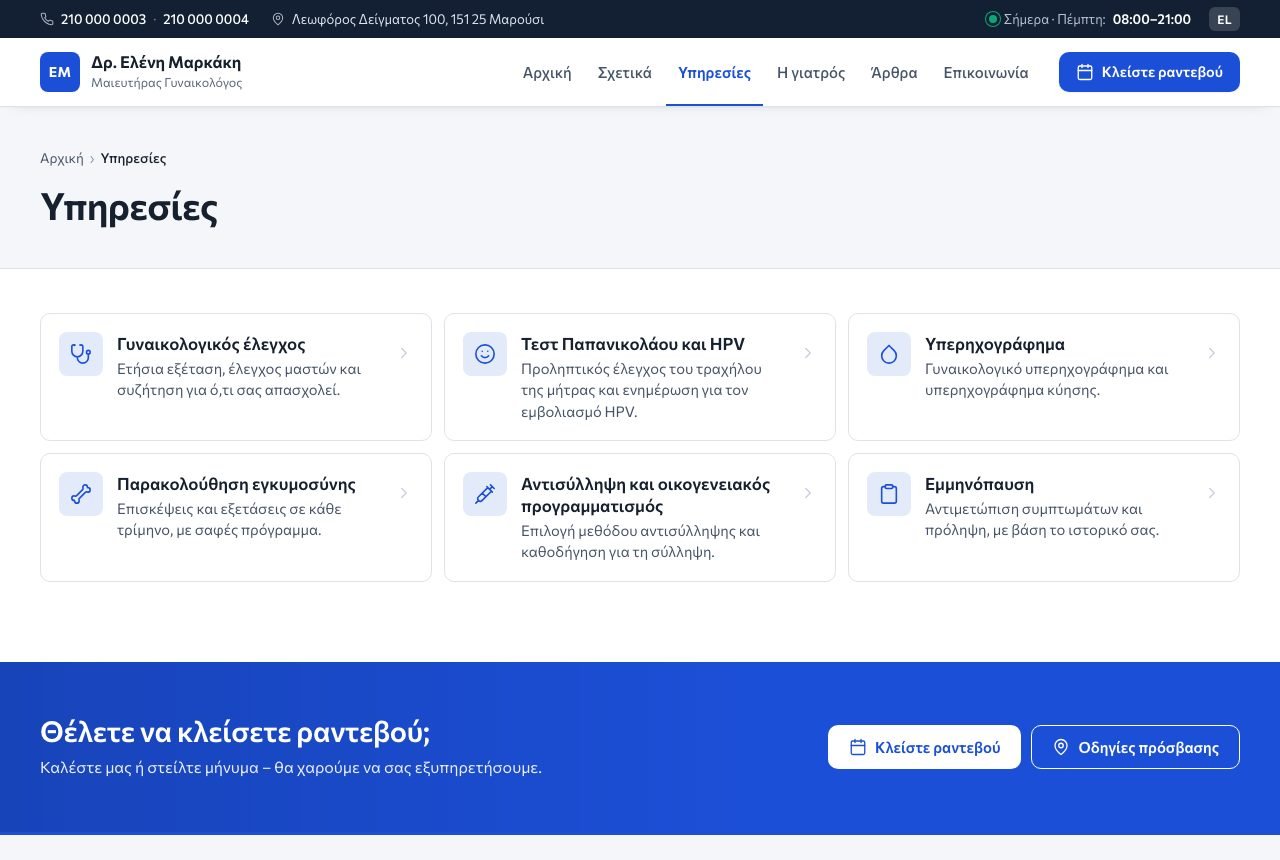
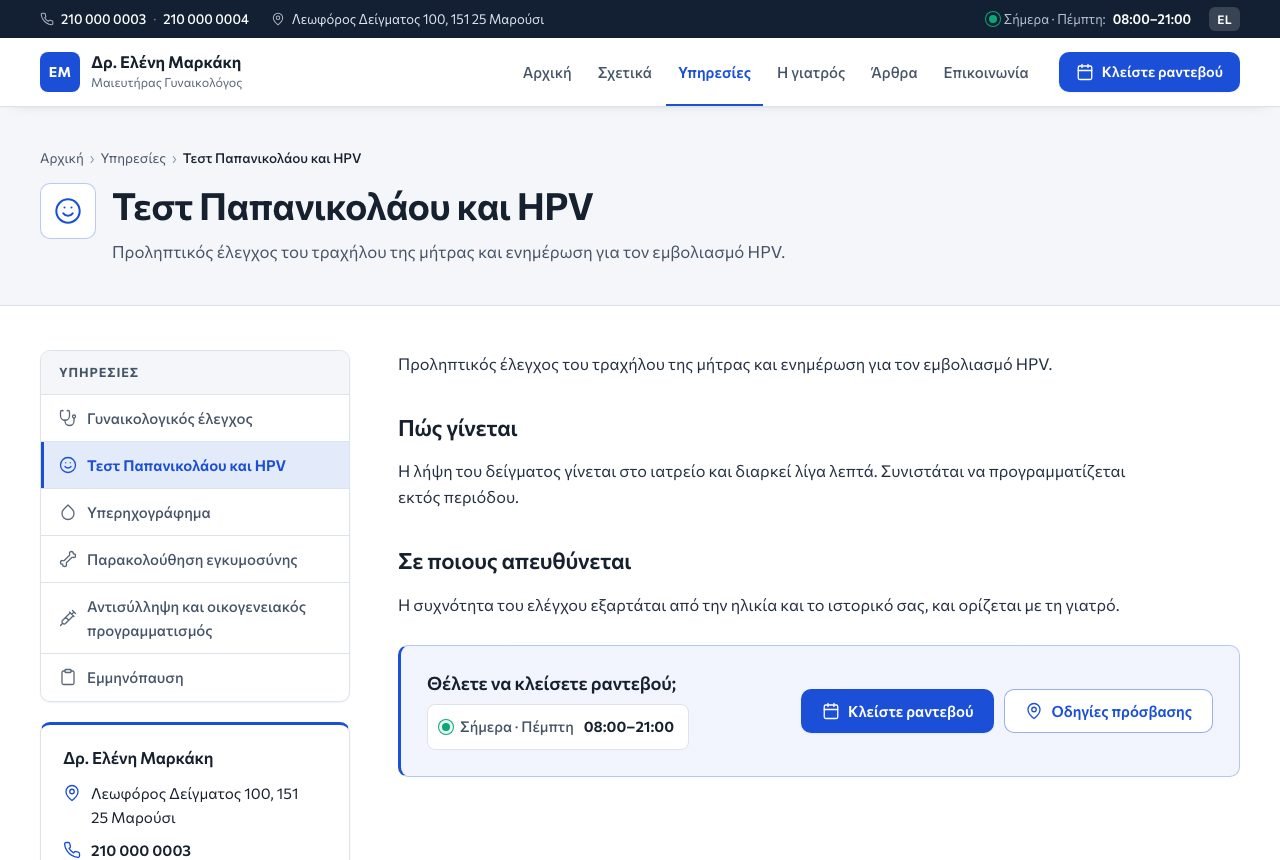
Six services, each with its own page: gynaecological check-up, Pap test and HPV, ultrasound, pregnancy care, contraception and menopause. Each page explains how the examination works and who it is for, and leads straight to booking. Separate pages also help each service show up on Google.
The doctor
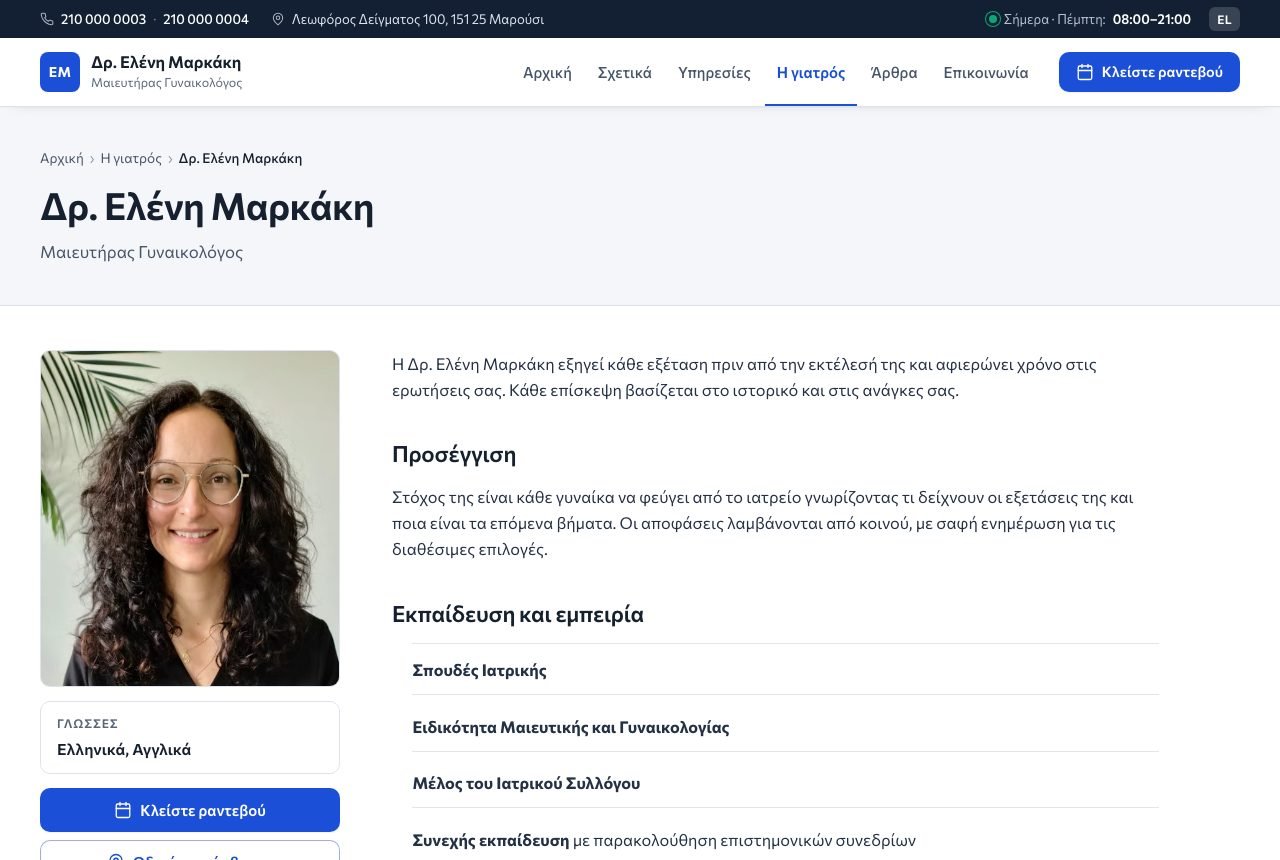
A profile with a photo, specialty, languages and a short text, with buttons for booking and directions. On the home page the doctor appears on a card over the practice.
Articles
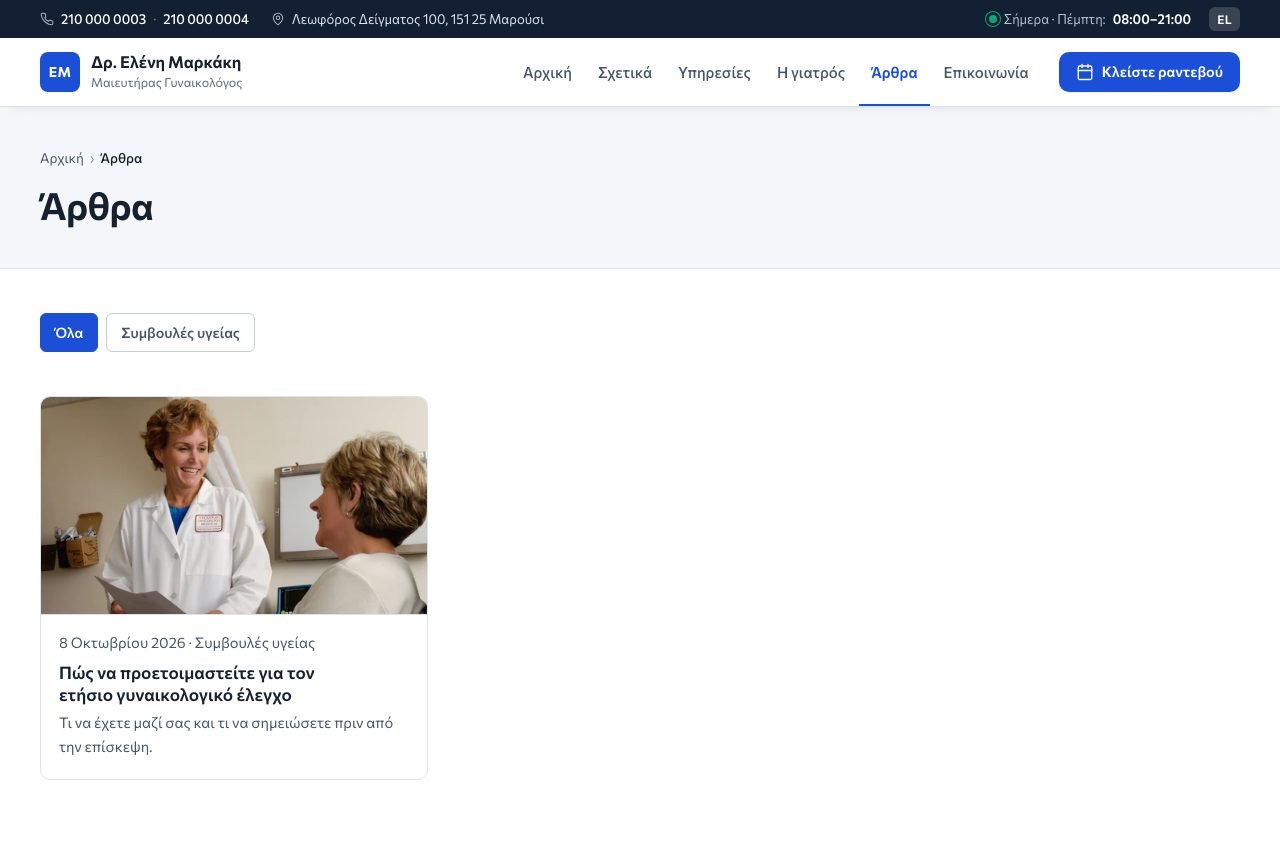
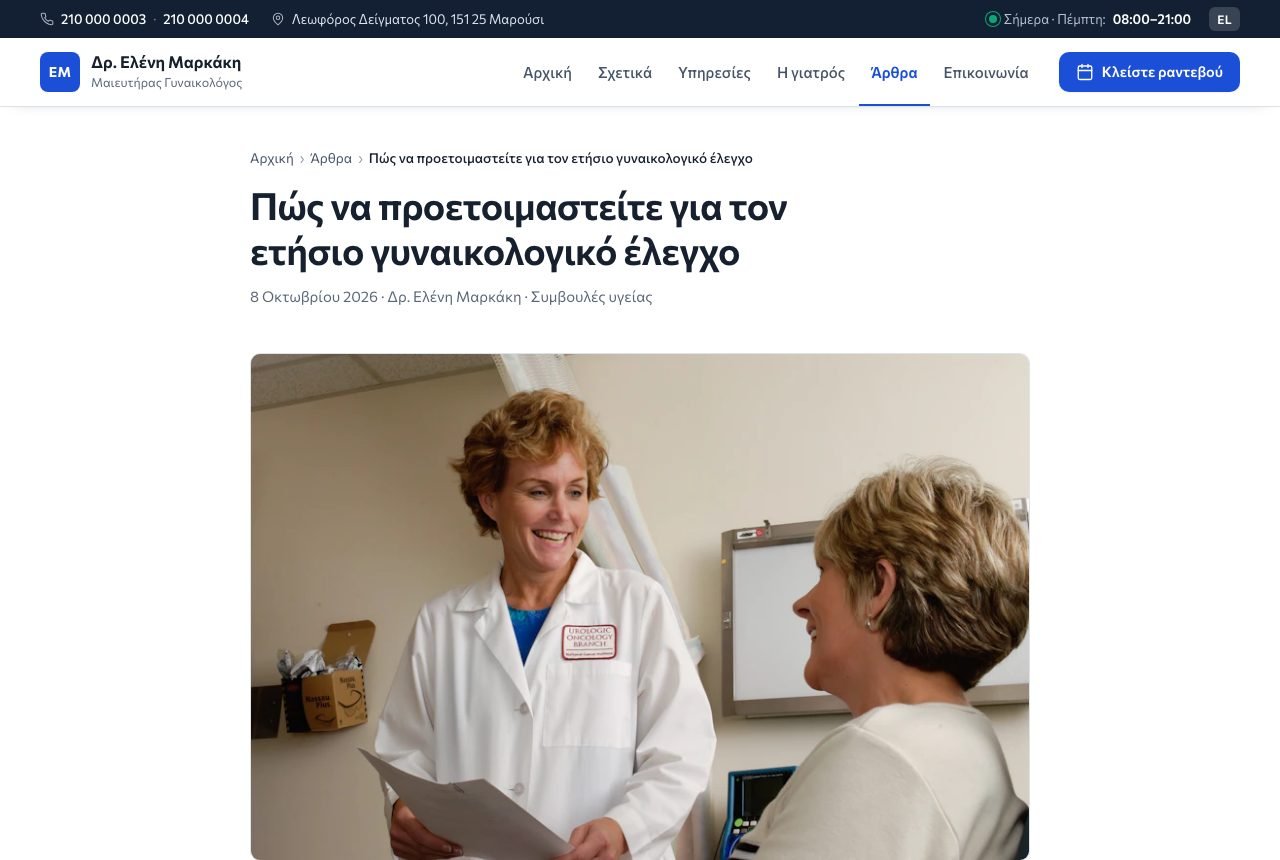
An articles section with categories, to inform patients and appear in more searches. Each article has an image, a date, an author and a clear next step. The example explains how to prepare for an annual check-up.
Contact and hours
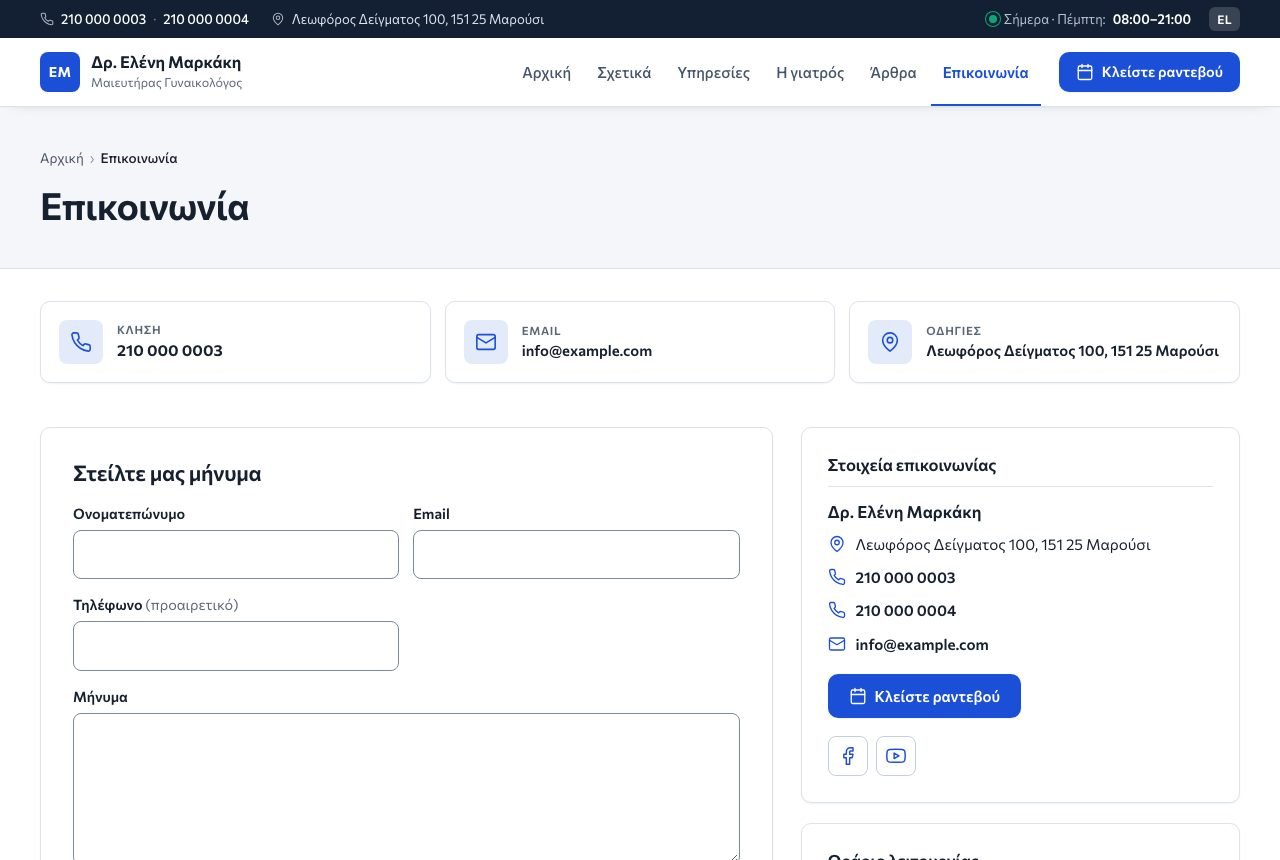
One-tap calling, email, directions, a message form and a map that loads only when requested. The hours appear on every page, with today marked.
On a phone
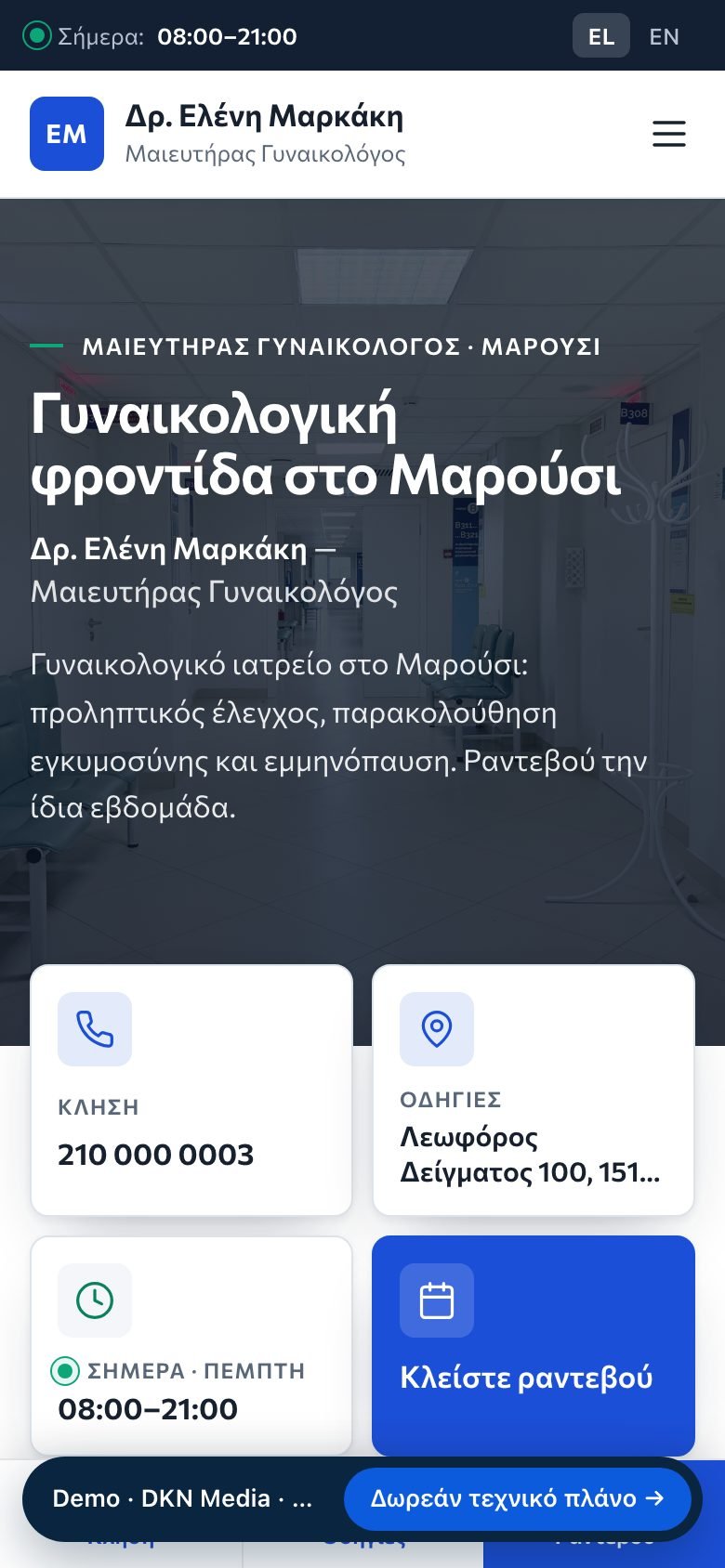
A fixed bar with Call, Directions and Book, so the action a patient needs is always in view.
For your practice
The same structure adapts to your specialty, services and hours, with your own branding. Development starts from €300 + VAT, and the final cost is set in the technical plan, based on your needs.
Gallery