Reliability and security upgrade for an ERP with multiple stores
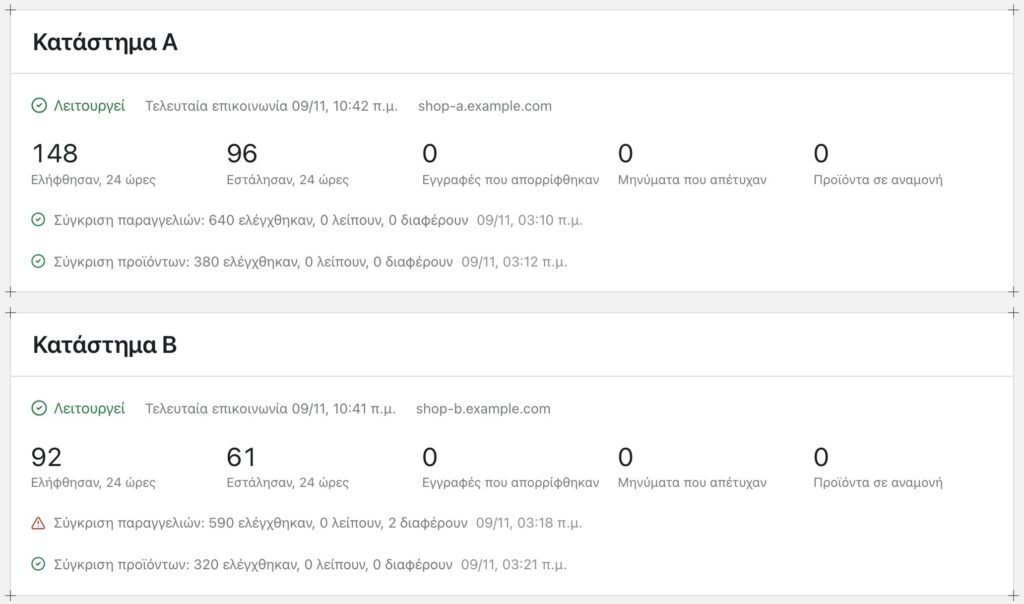
An ERP connected to several online stores needed to stay safe at the moment something fails. The upgrade focuses on three results for the business.
The screens in this article show test data.
The result for the business
- Orders are kept. Data is saved before its receipt is confirmed.
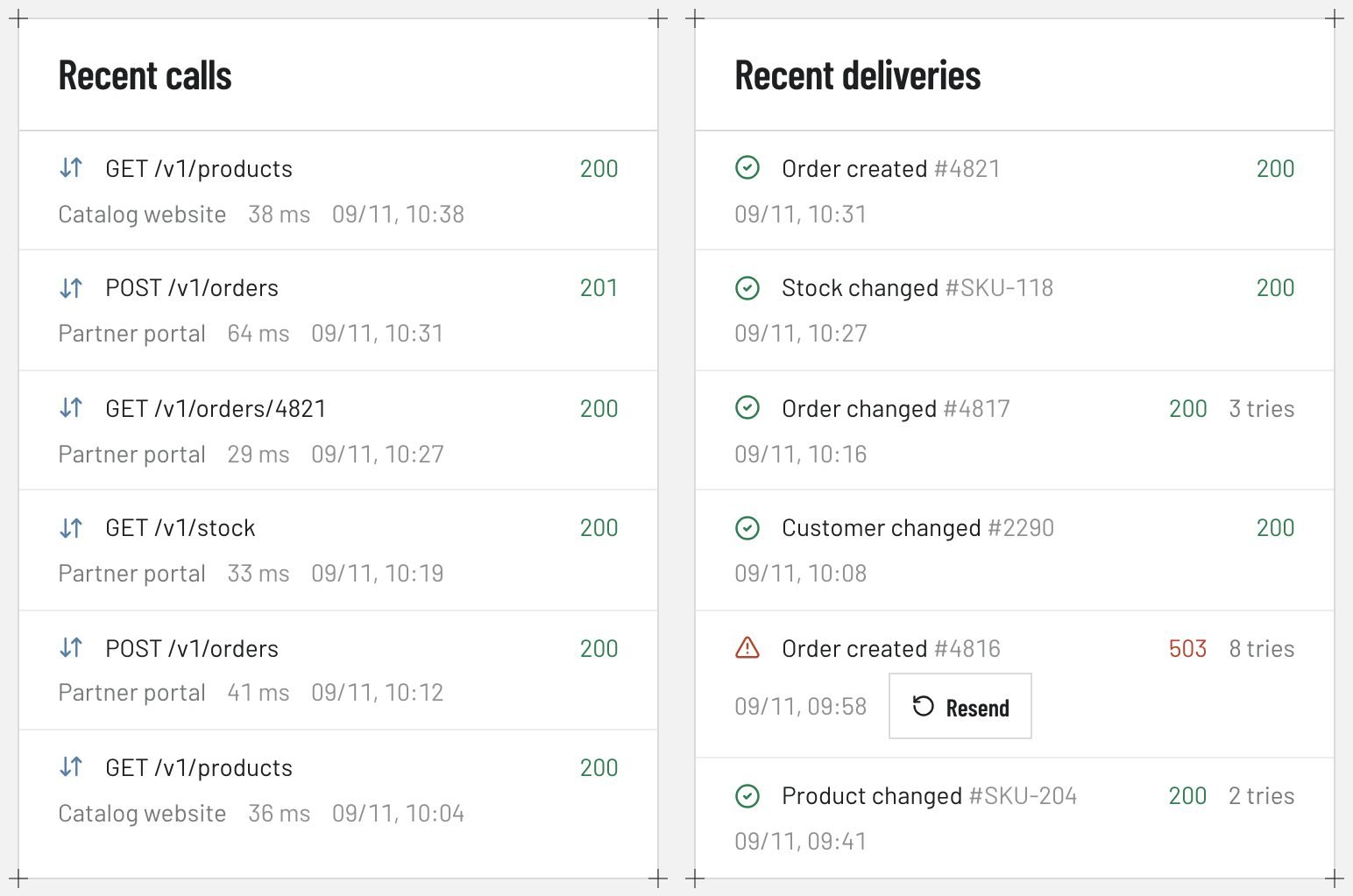
- A failure raises an alert. When a delivery still fails after its retries, an alert goes out.
- New platforms can connect. Other systems connect to the ERP through a public API.
Keeping the existing ERP
The ERP was not rewritten. Prices, VAT, orders and permissions stayed in the existing, tested code. Only the connection layer moved to Go, a programming language for services that run continuously.
Before and after the upgrade
| Before | After |
|---|---|
| Background work tied to store requests | A job queue saved in the database. A restart loses no waiting work. |
| Connections depending on the main application | A Go service that receives and saves store data while the main application restarts. Processing follows afterwards. |
| Changes sent with no record | Digitally signed delivery, with automatic retries and a record of every attempt. |
| No way to spot gaps between store and ERP | A nightly comparison that repairs or shows differences, plus a monitoring screen. |
The monitoring screen at the top of this article shows the state of each store and the result of the nightly comparison.

Four rules for moving data
- Save first, then confirm.
- Receiving the same message twice changes nothing. However many times a message arrives, it is recorded once.
- Retry, then alert. A failed delivery is retried. If it fails again, an alert goes out.
- Compare every night. Store and ERP data are compared nightly.
Connecting new platforms
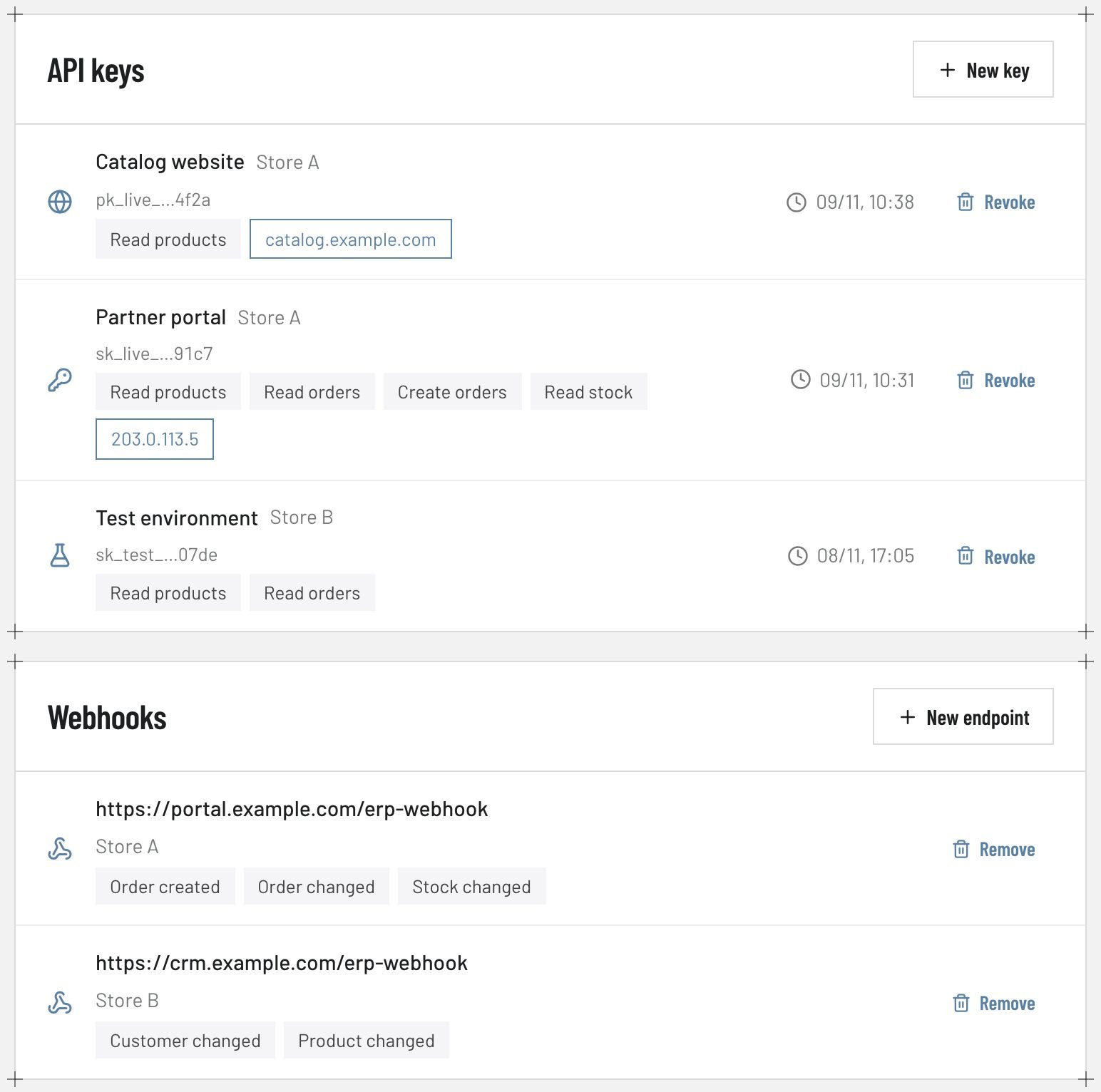
- A public API (how other programs exchange data with the ERP), with permissions per brand.
- Webhooks: automatic notifications to other systems when data changes.
- Libraries for PHP, JavaScript and Python.
- A Developers page for the teams handling the connection.
An example in JavaScript: reading products and creating an order. The order key means a retry does not create a second record.
import { Client } from '@erp/api'

const erp = new Client(process.env.ERP_API_KEY, 'https://erp.example.com/api/v1')

for await (const product of erp.allProducts()) save(product)

await erp.createOrder(order, `web-${order.number}`)
Data protection
- Separation between stores, tested on the system’s routes.
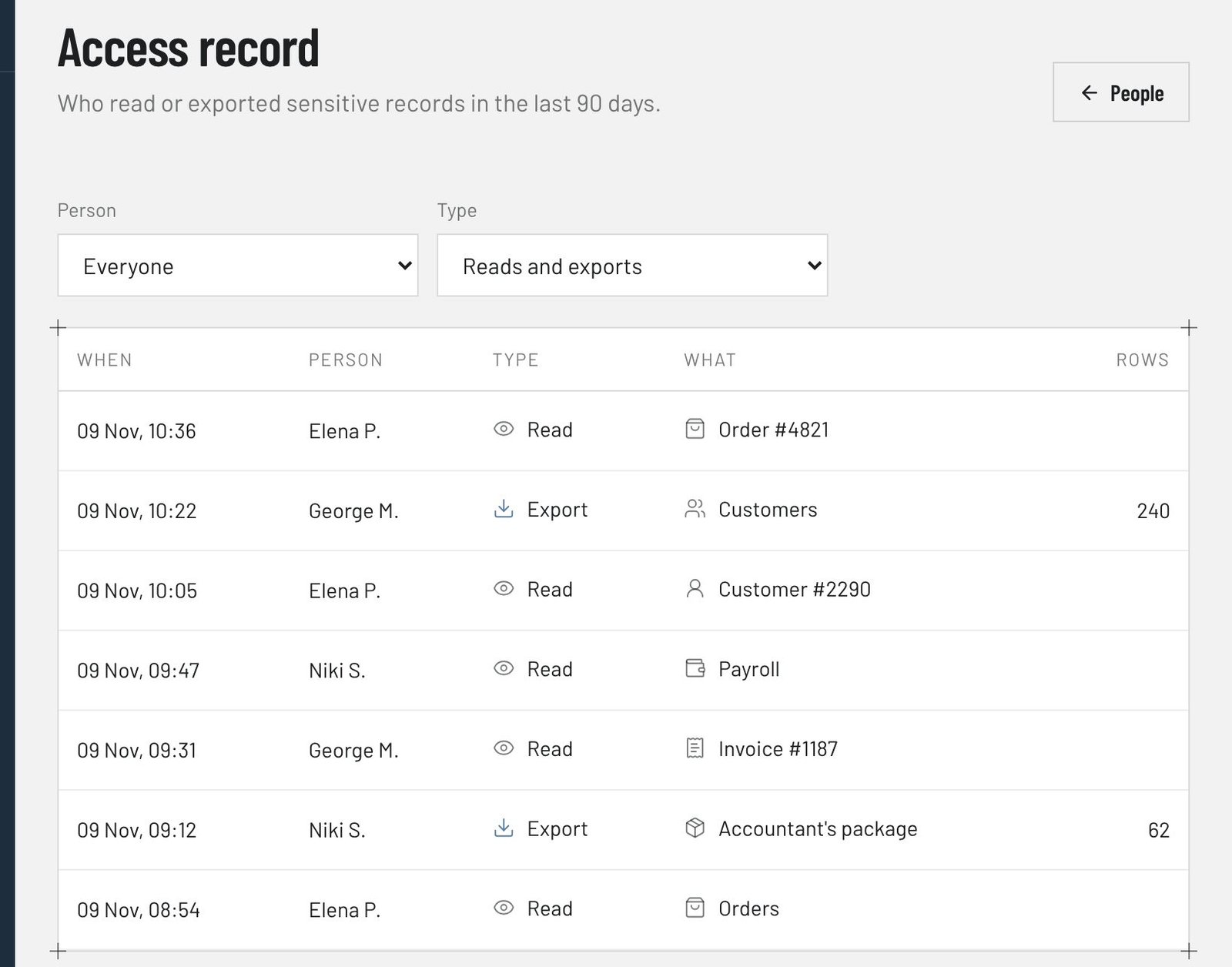
- A record of who read or exported sensitive data.
- Encrypted sensitive fields.
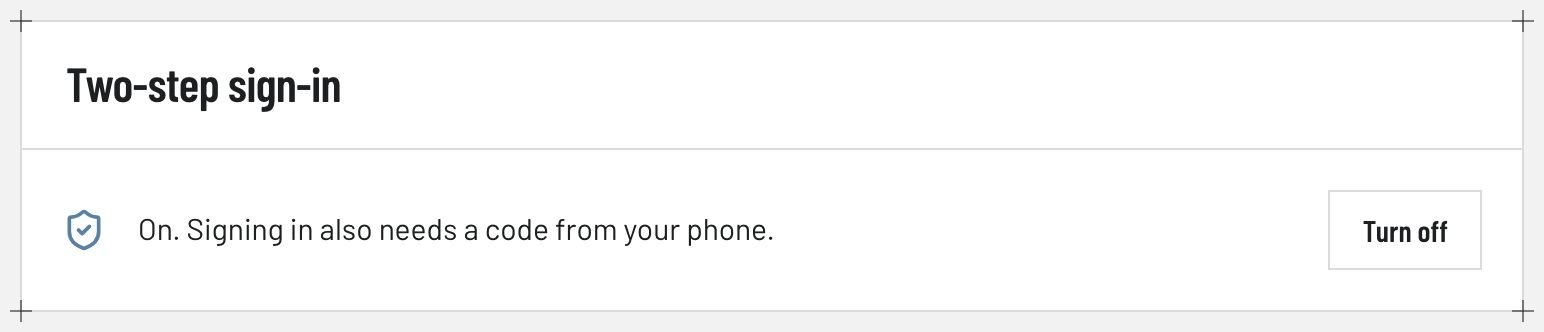
- Safer sign-in.
- Public links that expire.
- Dependency checks before each release.
Test results
- Moved both ways. Products, images, prices, stock and orders. Disconnecting and reconnecting created no duplicates.
- Failure tests on the development system. The cache, database and background services were stopped one at a time. All recovered and no orders were lost.
The next step
If you manage orders from several stores, book a free 30-minute first call. We will review your connections and give you a technical plan.